After-Hours Lead Capture for Plumbers: 5 Ways to Stop Losing 2AM Emergency Calls
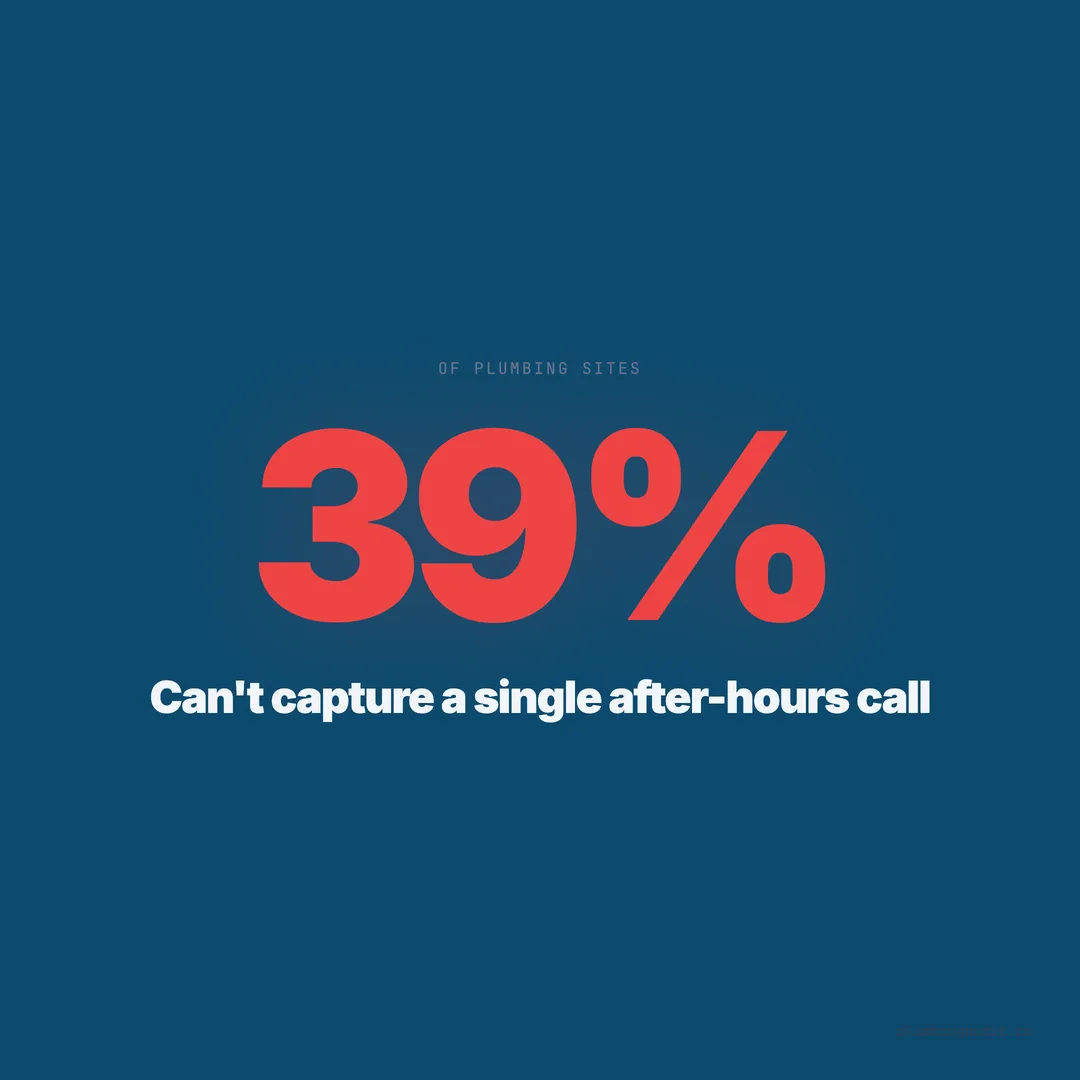
39% of plumbing websites can't capture leads after hours. Emergency calls are your highest-ticket jobs — here are 5 ways to stop losing them.
It is 2:17 AM on a Tuesday. A homeowner in Scottsdale wakes up to the sound of water running. The water heater in the garage has burst. Water is flooding the laundry room. She grabs her phone and searches “emergency plumber near me.” She clicks the first result. The website looks good. She taps the phone number. It rings six times and goes to a generic voicemail: “You’ve reached [Company]. Our office hours are Monday through Friday, 8 AM to 5 PM. Please leave a message.”
She hangs up. She does not leave a message. She calls the next plumber on the list. That plumber answers — or at least, something answers — and books a $2,800 water heater replacement before sunrise.
When we audited 1,893 plumbing websites across 13 states and 69 cities, 39% (615 sites) had no system to capture leads after business hours. No answering service. No chat widget. No after-hours form. No SMS auto-responder. Nothing. Their websites were functionally closed from 5 PM to 8 AM — during the exact hours when the most valuable plumbing emergencies happen.
Emergency Calls Are the Highest-Value Leads in Plumbing
After-hours calls are not just leads — they are premium leads. The average emergency plumbing job carries a ticket value of $450-2,500, compared to $200-500 for scheduled service calls. Emergency callers are not price shopping. They are not comparing three bids. They need help now, and they will pay the first plumber who picks up.
Industry data shows that 35-40% of plumbing emergency calls happen outside standard business hours — between 6 PM and 7 AM on weekdays and all day on weekends. For plumbing companies that advertise 24/7 service on their website but cannot actually capture those leads, the disconnect is costing them their most profitable work.
A plumber doing $50,000 per month in revenue is losing an estimated $8,000-12,000 per month in after-hours leads if 39% of those emergency callers reach a dead end. That is $96,000-144,000 per year in lost revenue from a problem that costs $100-500 per month to solve.
Solution 1: A Live Answering Service ($150-400/month)
A plumbing-specific answering service picks up your phone 24/7 with operators trained to handle emergency calls. They answer with your company name, gather the caller’s information (name, address, issue, urgency), and either dispatch your on-call tech or schedule a morning appointment.
Cost: $150-400/month for most plumbing companies, depending on call volume. Most services charge per call or per minute. Expect to pay $1.50-3.00 per call or $0.75-1.50 per minute of operator time.
Top options for plumbers: ServiceTitan-integrated answering services, Ruby Receptionists, AnswerConnect, and MAP Communications. Ruby is the most well-known and charges approximately $235/month for 50 receptionist minutes. MAP Communications offers a plumber-specific script package starting at $47/month for 33 minutes.
When it makes sense: Companies that offer true 24/7 emergency service and have an on-call technician ready to dispatch. The answering service bridges the gap between the caller and your tech without requiring anyone in your office to be awake.
When it does not: Solo plumbers who cannot actually respond to 2 AM calls. If you cannot dispatch, do not answer — it creates worse customer frustration than a form or voicemail. In that case, use solutions 2 through 5 instead.
Solution 2: An After-Hours Contact Form ($0)
The simplest and cheapest solution: a dedicated after-hours contact form that appears on your website during non-business hours — or better, one that is always available with messaging that sets expectations.
What it should say: “Need help after hours? Fill out this form and we’ll call you back within 30 minutes of our next business day.” For true emergencies, add: “For flooding or gas leaks, call 911 or your local utility company.”
Fields to include: Name, phone number, address, service needed, urgency level (emergency vs. can wait), and a brief description. Keep it to 5-6 fields maximum — every additional field reduces completion rate by approximately 11%.
What makes this work: The form must send an immediate email notification to the business owner or on-call tech. A form that sits in a CRM inbox until Monday morning defeats the purpose. Configure your form to email and text-notify the person who can actually respond.
The cost is $0 if you already have a website with form capability. The limitation is that the homeowner must fill out a form during a stressful moment instead of talking to a human. Not ideal, but infinitely better than a voicemail box that 72% of callers will not use.
Solution 3: A Chat Widget With After-Hours Mode ($0-200/month)
A website chat widget can serve dual purposes: live chat during business hours and an automated lead capture form after hours. When no one is available to respond, the widget switches to a “Leave a message” mode that collects the visitor’s name, phone, and issue.
Free options: Tawk.to is completely free and includes after-hours offline messaging. It is the most popular free chat tool and handles basic lead capture well.
Paid options: LiveChat ($20-60/month), Drift ($0-2,500/month), and Intercom ($39-99/month) offer more features including chatbot flows that can qualify the lead before collecting contact information.
The after-hours flow should look like this:
- Visitor opens chat at 11 PM
- Widget displays: “We’re currently away. For emergencies, describe your issue and leave your phone number — we’ll call you first thing in the morning.”
- Visitor types their issue and phone number
- Widget confirms: “Got it. We’ll call you by 8 AM. For flooding or gas leaks, call 911.”
- Notification goes to the owner/on-call tech’s phone
The key mistake plumbers make with chat widgets is installing them and never monitoring the after-hours messages. A message that sits unanswered for 12 hours is worse than no chat widget at all — it signals that you do not care. Set up mobile notifications. For a deeper dive on chat options, see our live chat vs. chatbot comparison.
Solution 4: SMS Auto-Responder ($20-75/month)
When a homeowner calls your business line after hours and gets no answer, an SMS auto-responder sends an immediate text message to the caller. The text acknowledges their call, provides basic instructions, and captures their intent.
Example auto-response:
“Thanks for calling [Company Name]. We’re closed right now but got your call. If this is an emergency, reply URGENT and we’ll dispatch a tech within 1 hour. Otherwise, reply with your name + issue and we’ll call you at 8 AM.”
How it works: Services like OpenPhone, Grasshopper, and Google Voice can be configured to send automatic SMS replies when calls go unanswered. More advanced options like Podium and Kenect offer two-way texting with lead management features.
Cost: Google Voice is free. OpenPhone starts at $19/month. Grasshopper starts at $14/month. Podium’s texting features start around $75/month.
Why SMS works: Text messages have a 98% open rate — far higher than voicemail playback rates or email open rates. A homeowner who just called and heard your voicemail will almost certainly read a text that pops up 10 seconds later. It proves you are responsive even when you are not physically available.
Solution 5: An Online Booking Widget ($0-300/month)
An online booking widget lets homeowners schedule their own appointment — at any hour, without talking to anyone. For non-emergency calls (a slow drain, a dripping faucet, a running toilet), self-service booking captures leads that would otherwise evaporate overnight.
Platform options: If you use ServiceTitan, Housecall Pro, or Jobber, each has an embeddable booking widget that syncs with your dispatch calendar. Housecall Pro’s online booking is included in all plans starting at $49/month. Jobber includes it in plans starting at $69/month.
What the widget should capture: Service type (dropdown), preferred date/time, name, phone, address, and brief description. The booking confirmation should include an immediate email or text to the homeowner plus a notification to your dispatcher.
Limitations: Online booking does not work for true emergencies. A homeowner with a burst pipe at 2 AM is not going to book an appointment for Thursday at 10 AM. Booking widgets complement answering services and SMS auto-responders — they do not replace them.
Cost Comparison: Five Solutions Side by Side
| Solution | Monthly Cost | Handles Emergencies | Setup Time | Lead Quality |
|---|---|---|---|---|
| Live answering service | $150-400 | Yes — live dispatch | 1-2 days | Highest |
| After-hours contact form | $0 | Partially | 30 min | Medium |
| Chat widget (after-hours mode) | $0-200 | Partially | 1-2 hours | Medium |
| SMS auto-responder | $20-75 | Yes — with URGENT flow | 1-2 hours | High |
| Online booking widget | $0-300 | No — scheduled only | 1-3 hours | Medium-High |
The optimal stack for most plumbing companies: An answering service for true emergencies plus an online booking widget for routine requests plus an SMS auto-responder as a safety net. Total cost: $200-500/month. Revenue recovered: $8,000-12,000/month.
If budget is tight, start with the free options: a contact form with mobile notifications and Tawk.to chat in offline mode. These capture some after-hours leads for $0 while you build revenue to invest in an answering service.
The States That Lose the Most After-Hours Revenue
Our audit data reveals a geographic pattern. Texas had 466 plumbing companies in our dataset with an average score of 54. Only 52% of Texas plumbing sites had any form of after-hours lead capture — meaning 224 companies were losing emergency leads nightly.
Florida (415 sites, average score 59) performed slightly better at 58% after-hours coverage. Arizona (132 sites, average score 68) led with 71% after-hours coverage. The correlation between after-hours capture and overall audit score is strong: companies that solve this problem tend to solve other conversion problems too.
Gilbert AZ, our top-scoring city at 78/100, had 84% of plumbing sites with some form of after-hours capture. Sugar Land TX, the bottom city at 28/100, had 18%. The gap is staggering. And it directly maps to the revenue gap between these markets.
Implement the Minimum Viable System This Week
You do not need all five solutions. You need at least one working before you go home tonight. Here is the fastest path to after-hours lead capture, ranked by speed of implementation:
Tonight (30 minutes): Add a contact form to your website with mobile email notifications. Use any form builder — Gravity Forms, Typeform, Google Forms embedded on your site. Make the form visible on your homepage and contact page.
Tomorrow (1 hour): Set up an SMS auto-responder through Google Voice (free) or OpenPhone ($19/month). Configure it to send an automatic text when calls go unanswered.
This week (2 hours): Install Tawk.to (free) on your website and configure the after-hours offline message mode. Include a notification to your phone so you see messages in real time.
This month: Evaluate live answering services. Sign up for a trial (most offer 7-14 day trials). Track how many after-hours leads convert to booked jobs. If the revenue exceeds the cost — and it will — keep it permanently.
The 2 AM Test Your Website Must Pass
Here is how to test your after-hours system. At 11 PM tonight, open your website on your phone. Pretend you are a homeowner with a burst pipe. Try to reach your company through every available channel: phone, form, chat, booking.
If the only thing that happens is a voicemail recording, you are in the 39% of plumbing companies that are hemorrhaging their most profitable leads. Emergency plumbing is not a 9-to-5 business. Your website should not be either.
The plumber who answers at 2 AM books the $2,800 water heater job. The plumber who does not gets to hear about it on the Monday morning voicemail — from a homeowner who is calling to complain, not to hire.
Want to know your score?
Drop your URL — full report in 48 hours.
We're on it.
Report in your inbox within 48 hours.