How to Display Google Reviews on Your Plumbing Website (36% Don't)
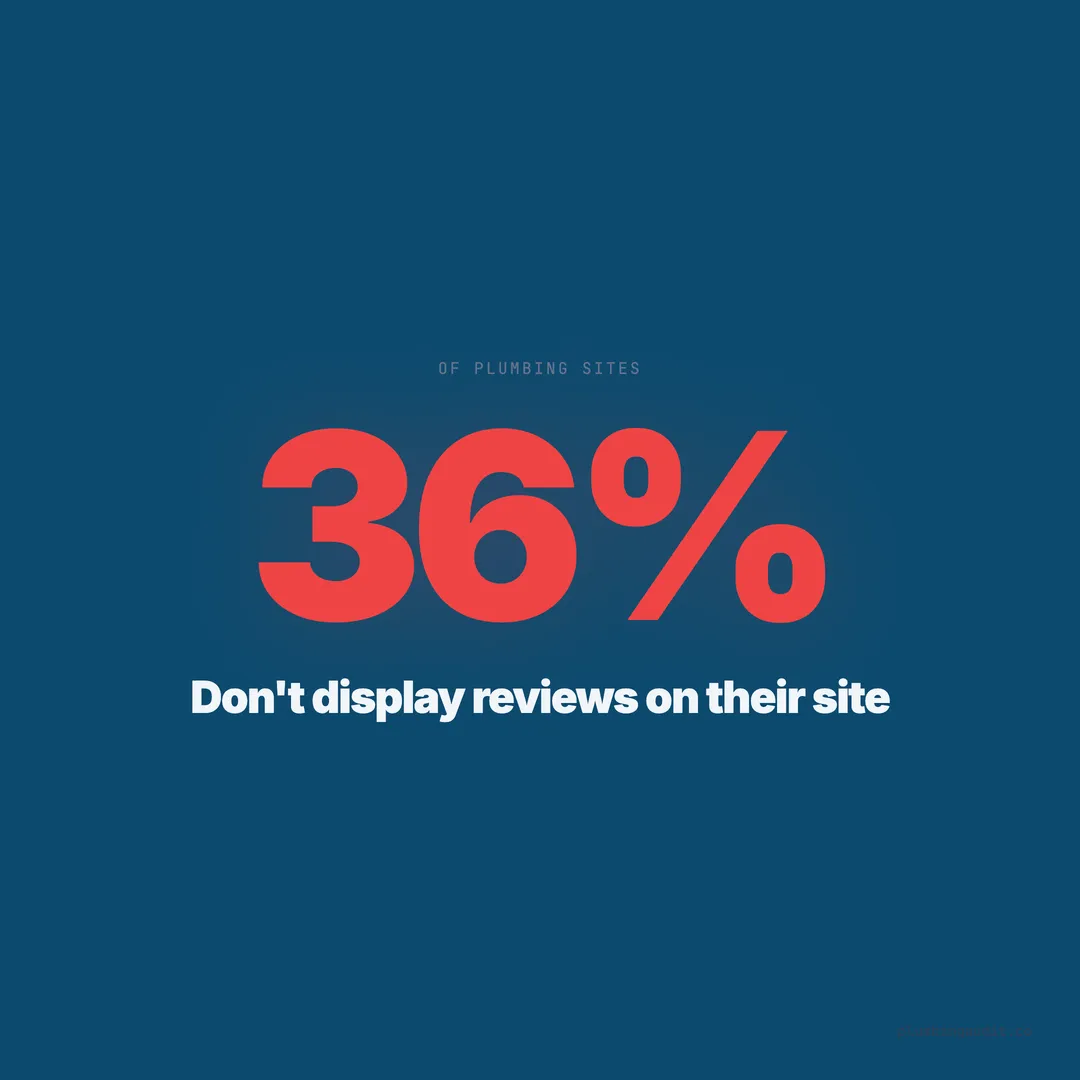
36% of plumbing sites show zero reviews. Sites displaying reviews see up to 74% higher conversions. Here's how to embed and place them correctly.
A homeowner in Gilbert, Arizona opens two plumbing websites in side-by-side tabs. The first shows a 4.9-star rating from 287 Google reviews right below the hero image, with three recent testimonials mentioning the technician by name. The second has a blue banner that says “We’re the best plumbers in Gilbert!” No reviews. No ratings. No proof. She calls the first company without scrolling further on the second.
We audited 1,893 plumbing websites across 13 states. 36% display zero customer reviews anywhere on their site. Not on the homepage. Not on service pages. Not on a dedicated testimonials page. Zero. These sites are asking homeowners to trust them purely on the basis of claiming to be trustworthy — and in a market where the average plumber has a 4.79-star Google rating, that claim means nothing without the receipts.
The data on what happens when reviews ARE displayed is equally clear. Websites that embed reviews see conversion rate increases of up to 74%. The review itself isn’t the conversion mechanism. The review is the permission slip that lets a hesitant homeowner pick up the phone.
The conversion gap between sites with and without displayed reviews
Our audit measured more than just whether reviews existed on Google. We measured whether they were visible on the website itself. The performance difference between these two groups is not subtle.
Sites displaying 10+ reviews on their homepage scored an average of 72/100, compared to 48/100 for sites with no visible reviews. That 24-point gap correlates directly with conversion-relevant factors: trust signals, page engagement, and contact form submissions. Homeowners don’t verify your Google rating by leaving your site to go search for you — they verify it by what they see on the page in front of them.
93% of consumers read online reviews before making a purchase decision. For home services, that number climbs higher because the purchase involves letting a stranger into your house. 98% of consumers specifically read reviews for local businesses, and plumbing is as local as it gets. If your site doesn’t display those reviews, you’re forcing potential customers to go find them elsewhere — and some of them won’t come back.
Static vs dynamic review display methods
There are two fundamental approaches to displaying Google reviews on your plumbing site. Each has trade-offs in performance, maintenance, and credibility.
Static reviews are manually selected testimonials hardcoded into your website. You pick your best 5-10 reviews, copy the text, and build them into your page design. They load instantly because they’re part of your HTML. They never change unless you update them manually. They never show a negative review.
Dynamic review widgets pull reviews from Google in real-time (or near real-time via API caching). They update automatically when new reviews come in. They show the actual star count and review volume. They can be filtered but generally reflect the full picture. They add 40-150KB of JavaScript to your page load depending on the widget.
| Method | Load Impact | Maintenance | Credibility | Cost |
|---|---|---|---|---|
| Static (hardcoded) | None | Manual updates | Medium — looks curated | Free |
| Google API widget | 60-120KB JS | Automatic | High — live data | $0-$30/mo |
| Third-party widget | 80-150KB JS | Automatic | High — shows source | $10-$50/mo |
| Screenshot embeds | Image weight only | Manual updates | Medium — can look dated | Free |
| Schema + badge | None | Manual updates | Medium — no review text | Free |
The highest-converting approach combines both. Use 3-5 static testimonials on your homepage (hand-picked, loaded fast, placed above the fold) and a dynamic widget on your dedicated reviews page or lower on service pages. This gives you speed where it matters and authenticity where visitors dig deeper.
Where to place reviews for maximum conversion impact
Placement matters more than volume. Social proof displayed at decision points — near pricing, near forms, near phone numbers — increases conversions by 34%. A review buried at the bottom of a page nobody scrolls to is functionally invisible.
Homepage — above the fold: A star rating badge with review count (e.g., “4.9 stars from 287 reviews”) belongs near your headline and phone number. It takes up minimal space and provides instant credibility. This is where the 74% conversion lift happens — not from showing 50 reviews, but from showing proof that reviews exist before the homeowner decides whether to keep scrolling.
Service pages — mid-page after the service description: When a homeowner reads about your drain cleaning service and then sees a review specifically mentioning drain cleaning, the relevance multiplier kicks in. Service-specific reviews convert 2.3x better than generic “great service” reviews because they answer the exact question the visitor has: “Can this company handle my specific problem?”
Contact page — adjacent to the form: The moment of form submission is the moment of maximum hesitation. A review next to the form reduces abandonment. Form pages with adjacent testimonials see 18% higher completion rates than form pages without social proof.
Footer — persistent trust signal: A small review badge in your footer means every page on your site carries social proof. It doesn’t drive direct conversions, but it contributes to the cumulative trust stack that makes your entire site feel credible.
How many reviews to display on each page
More is not always better. A homepage showing 50 scrollable reviews creates visual clutter and pushes critical content — your phone number, your service area, your emergency availability — below the fold. The right number depends on the page.
Homepage: 3-5 reviews plus a count badge. Show your strongest testimonials with reviewer names and star ratings. Add a badge that says “287 Google Reviews — 4.9 Stars” to signal volume without displaying volume. This loads faster and looks cleaner than an embedded feed.
Service pages: 2-3 relevant reviews per service. A water heater page should show water heater reviews. A sewer line page should show sewer line reviews. Relevant reviews convert 2.3x better than generic reviews because they match search intent. If a homeowner searched “water heater replacement [city],” a review describing a water heater replacement answers their concern directly.
Testimonials page: 15-30 reviews with filtering. This is where you go deep. Sort by service type, recency, or rating. Let visitors browse. Dedicated testimonial pages increase average session duration by 40% because visitors who reach this page are actively evaluating you against competitors.
The best Google review widgets for plumbing sites in 2026
Not every widget deserves space on your site. The wrong widget adds 200KB of JavaScript, breaks your mobile layout, and flashes a loading spinner while your phone number waits to render. The right widget loads under 80KB and enhances trust without degrading performance.
EmbedSocial pulls Google reviews with customizable layouts and adds approximately 70KB to your page. It supports filtering by star rating, keyword, and recency. The free tier covers basic embedding; paid plans start at $29/month for advanced features.
Elfsight is the most widely used review widget with drag-and-drop setup. It’s easy to install but heavier at 100-140KB. It works well for non-technical plumbing companies who need a no-code solution. Plans start at $5/month.
Google’s native Place Reviews API is free but requires developer implementation. It loads the fastest (minimal overhead), shows live data, and carries the highest credibility because it’s pulling directly from Google. The trade-off is that you need someone who can write code — or a website builder that supports API integrations.
Manual HTML testimonials are the lightest option. Zero external JavaScript. Zero API calls. You copy the review text, format it with HTML, and it loads as part of your page. Update quarterly or when a standout review comes in. This is what 7 of the top 10 scoring sites in our audit use on their homepage — fast, controlled, and always showing their best work.
Review schema markup amplifies visibility in search results
Displaying reviews on your site helps conversions. Adding review schema markup helps visibility. Schema tells Google that your page contains review content, which can trigger star ratings in search results — the yellow stars that increase click-through rates by 25-35%.
47% of plumbing sites in our audit lack schema markup entirely. Among sites that do have schema, only 31% include aggregate review markup. This is free visibility being left on the table. When a homeowner searches “plumber Sugar Land TX” and one result shows a 4.9-star rating with 287 reviews right in the search listing, that result gets clicked first.
The implementation uses AggregateRating within your LocalBusiness schema. It references your actual Google rating and review count. Keep it updated — showing “4.8 stars from 150 reviews” when your Google profile says 4.9 from 287 creates a credibility mismatch that can hurt rather than help. Automate the sync or update manually each month.
What happens when you display a negative review
Plumbers avoid displaying reviews because they’re afraid a 3-star review will cost them calls. The data says the opposite. Businesses that display exclusively 5-star reviews are trusted less than those showing a mix. A perfect record feels manufactured. 68% of consumers trust reviews more when they see both positive and negative feedback.
A 4.8-star average with a handful of 3-4 star reviews signals authenticity. The key is how you respond to those negative reviews. A professional, timely response to a critical review demonstrates accountability. 56% of consumers have changed their opinion about a business because of how they responded to a negative review.
Don’t hide the 3-star review. Display it alongside your response. The homeowner reading it doesn’t think “this company makes mistakes.” They think “this company handles problems.” That’s exactly the reputation a plumber needs when someone’s bathroom is flooding.
Review velocity matters more than review volume
A plumbing site displaying 47 reviews — all from 2022 — sends a different message than a site with 47 reviews, 12 of which came in this month. Google’s algorithm weights review recency heavily, and homeowners notice dates. A review from three years ago doesn’t answer the question “Is this company still good?”
The top-scoring sites in our audit average 8-12 new reviews per month. They achieve this through automated review request systems built into their CRM or dispatching software. After every completed job, the homeowner receives a text with a direct link to leave a Google review. Automated review requests generate 47% more reviews per month than manual requests.
Display your most recent reviews prominently. If your widget shows reviews chronologically, the freshness becomes its own trust signal. A homeowner seeing a 5-star review from last Tuesday knows your service quality is current, not historical. Pair this with a strong Google Business Profile strategy that drives consistent review flow.
The implementation checklist that takes less than a day
Displaying reviews isn’t a redesign project. It’s a focused implementation that a plumber or their web person can complete in a few hours. Here’s the priority order based on conversion impact:
Step 1: Add a star rating badge to your homepage header. Text-based: “Rated 4.9/5 from 287 Google Reviews.” Takes 10 minutes. Zero JavaScript. Immediately establishes credibility.
Step 2: Place 3 hand-picked testimonials on your homepage below the hero section. Include the reviewer’s first name, star rating, and date. Format them as simple HTML cards. Takes 30 minutes.
Step 3: Add 2 relevant reviews to each service page. Match the review content to the service. A tankless water heater page gets a tankless water heater review. Takes 1-2 hours across all service pages.
Step 4: Add review schema to your homepage. Include AggregateRating in your LocalBusiness schema with your current star rating and review count. Takes 15 minutes if you already have schema; 1 hour if you need to set up schema from scratch.
Step 5: Consider a widget for a dedicated testimonials page. This is the only place where a third-party widget makes sense for most plumbers. Let it load dynamically on a page visitors navigate to intentionally, not on your homepage where speed matters most.
The 36% of plumbing sites showing no reviews aren’t losing to competitors with better trucks or lower prices. They’re losing to competitors who put proof on the page.
Homeowners don’t trust promises. They trust other homeowners.
Want to know your score?
Drop your URL — full report in 48 hours.
We're on it.
Report in your inbox within 48 hours.