How to Build a Plumbing Landing Page That Converts Google Ads Traffic
Most plumbing Google Ads traffic lands on the homepage. Here's how to build a dedicated landing page that converts — based on 1,893 site audits.
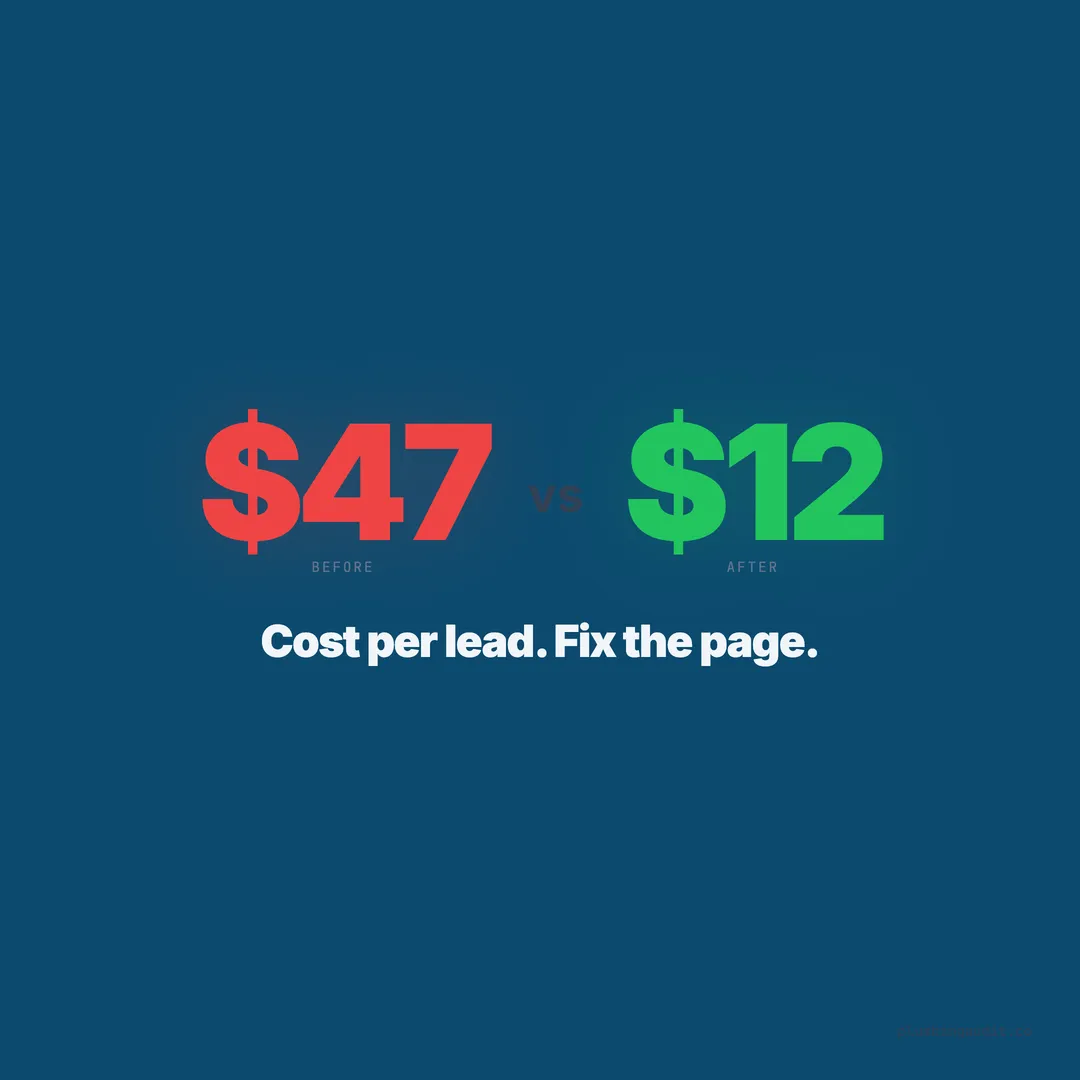
A plumbing company in Fort Worth was spending $2,600 per month on Google Ads. Every ad clicked through to the homepage. The homepage had a slider, a welcome message, six service categories, a blog feed, and a footer with three columns of links. The conversion rate was 1.8% — meaning for every 100 clicks at $28 each, fewer than two people picked up the phone.
The owner rebuilt a single landing page. No slider. No navigation menu. One service, one phone number, one form, five trust signals. The conversion rate jumped to 8.4%. Same ad spend. Same keywords. Same market. The page did the work.
When we audited 1,893 plumbing websites across 13 states, the pattern was consistent: plumbing companies sending Google Ads traffic to their homepage were wasting ad spend at rates that should make any business owner nauseous. This post is not about running Google Ads. It is about the page those ads land on — and why it is the most important variable in your entire paid search campaign.
Your Homepage Is Not a Landing Page
A homepage serves many audiences. It introduces your company to first-time visitors, provides navigation to services, displays reviews, links to your blog, and shows your service area. It is a hub. A landing page has one job: convert the visitor who just clicked your ad into a phone call or form submission.
These are fundamentally different tasks. A homepage says “Here is everything about us.” A landing page says “You searched for drain cleaning in Phoenix. Here is why you should call us right now for drain cleaning in Phoenix.”
The data backs this up. Industry benchmarks show that dedicated landing pages convert at 3-5x the rate of homepages for paid traffic. The average website conversion rate across all industries is 2.9% according to Ruler Analytics. But home services landing pages optimized for paid traffic routinely hit 8-15% conversion rates. The gap between 2.9% and 12% on a $2,500/month ad spend is the difference between 3 leads and 12 leads — all from money you are already spending.
Match the Landing Page to the Ad Copy
The first rule of landing page conversion is message match. When someone searches “emergency drain cleaning Houston” and clicks your ad that says “24/7 Emergency Drain Cleaning in Houston,” the landing page must immediately reinforce that exact message.
What the visitor should see above the fold:
- Headline: “Emergency Drain Cleaning in Houston — Same Day Service”
- Subheadline: “Licensed plumber. Available 24/7. 4.9 stars from 247 reviews.”
- Phone number: Clickable, large, prominent
- Form: 3-4 fields, above the fold
- Trust strip: License number, insurance badge, review stars, guarantee badge
What the visitor should not see: your company history, a list of every service you offer, a blog feed, testimonials about water heater installations (when the ad was for drain cleaning), or a navigation menu that invites them to browse away from the page.
If your ad says “drain cleaning,” the page says “drain cleaning.” If your ad says “$49 diagnostic,” the page says “$49 diagnostic.” Any disconnect between the ad promise and the page content increases bounce rate and kills your Quality Score, which makes your ads cost more.
Remove the Navigation Menu
This is the hardest recommendation for most plumbing company owners to accept. Remove the main navigation menu from your landing page. No header links to About, Services, Blog, or Contact. The only clickable elements should be the phone number, the form submit button, and possibly a link to your privacy policy (required for some ad platforms).
Why: Every navigation link is an exit. When a visitor clicks “About” from your landing page, they are no longer on the conversion path. They are browsing. Browsing visitors do not convert at the same rate as focused visitors. Studies from marketing platforms consistently show that removing navigation from landing pages increases conversion rates by 20-30%.
The exception: if you run ads for multiple services, each service should have its own landing page. Do not try to create one landing page for drain cleaning, water heater installation, and sewer repair. Build three pages. Match each ad group to its specific landing page.
The Phone Number Must Dominate the Page
For plumbing, the primary conversion action is a phone call, not a form submission. Emergency plumbing callers want to talk to someone now. The phone number on your landing page should be:
- Visible without scrolling on both desktop and mobile
- Clickable on mobile with a proper
tel:link (see our guide) - Large enough to read from arm’s length — minimum 24px font on mobile, 36px on desktop
- Repeated at least twice on the page: once in the header area and once mid-page near the form
- Tracked through call tracking so you know which ads produce calls
In our audit, the top-performing plumbing sites had phone numbers that were impossible to miss. They used contrasting colors, large fonts, and phone icons. The bottom-performing sites buried the phone number in the footer or displayed it in gray text on a white background.
A simple test: screenshot your landing page on a phone. Show it to someone for three seconds, then take it away. Ask them what the phone number was. If they cannot tell you, the number is not prominent enough.
The Form Should Have 3-5 Fields Maximum
Every field you add to a landing page form reduces the completion rate. Industry data consistently shows that forms with 3-5 fields convert at roughly 20-25%, while forms with 8+ fields convert at 10-12%. For plumbing landing pages, you need exactly five pieces of information:
- Name (first name is enough)
- Phone number (required — this is how you follow up)
- Service needed (dropdown: drain cleaning, water heater, leak, sewer, other)
- Zip code (confirms they are in your service area)
- Brief description (optional text field)
Do not ask for email, address, preferred appointment time, “how did you hear about us,” or anything else on a Google Ads landing page. You are paying $15-45 per click for this visitor. Do not make them fill out a census form. Get the phone number and call them within five minutes — that is the entire conversion path.
The form should submit with a clear confirmation message and an immediate notification to your office or dispatcher. Speed-to-lead matters: businesses that respond to web leads within 5 minutes are 21x more likely to qualify the lead than those who respond after 30 minutes.
Trust Signals Compress the Decision Timeline
A homeowner who arrives via Google Ads has zero prior relationship with your company. She has never heard of you. She clicked because your ad appeared at the top of the page. Everything she knows about you comes from what she sees in the next 8 seconds — the average time a visitor spends evaluating a landing page before deciding to stay or bounce.
Trust signals compress the evaluation from “I need to research this company” to “This looks legit, I’ll call.” Here are the trust elements that belong on every plumbing landing page:
| Trust Signal | Placement | Why It Works |
|---|---|---|
| Google star rating + count | Below headline | ”4.9 stars from 247 reviews” = instant credibility |
| License number | Below phone number | Proves legitimacy in 2 seconds |
| ”Licensed, Bonded, Insured” badge | Trust strip | Reduces “Is this a real company?” anxiety |
| Guarantee statement | Near the form | ”100% satisfaction or money back” removes risk |
| Years in business | Trust strip | ”Serving Phoenix since 2009” = stability |
| 2-3 short review quotes | Below the fold | Social proof from people like the visitor |
The top-scoring plumbing sites in our audit — those in the 75+ range — had an average of 5.3 trust signals on their primary landing or homepage. The bottom-scoring sites averaged 0.8. That gap explains a significant portion of the conversion rate difference.
Page Speed Kills or Converts — There Is No Middle Ground
Google Ads sends traffic to your page instantly. If your page takes 5 seconds to load, you have already lost 38% of visitors according to Google’s own data. For plumbing landing pages, the target is under 2.5 seconds on mobile.
Common speed killers on plumbing landing pages:
- Uncompressed hero images: A single 3MB truck photo can add 3-4 seconds of load time. Compress to WebP format and keep under 100KB.
- Embedded map widgets: A Google Maps embed adds significant JavaScript. Use a static map image with a link to Google Maps instead.
- Chat widgets and third-party scripts: Load these after the page renders, not during. Defer or lazy-load all non-essential scripts.
- Slow hosting: Cheap shared hosting adds 1-3 seconds of server response time. Use a CDN or a faster host.
Test your landing page with Google PageSpeed Insights. Your mobile score should be above 80. If it is below 50, you are burning ad spend on a page that visitors abandon before it finishes loading. See our full speed optimization guide for platform-specific fixes.
Build One Landing Page Per Service Category
A plumber who advertises drain cleaning, water heater installation, and sewer repair should have three separate landing pages — not one generic “Services” landing page. Each page matches the ad copy, uses service-specific trust signals (reviews mentioning that service), and speaks directly to the homeowner’s specific problem.
Drain cleaning landing page: Focuses on speed (“Same-day service”), common issues (“Kitchen drains, bathroom drains, main sewer lines”), and pricing anchor (“Starting at $149”).
Water heater landing page: Focuses on brands (“Rheem, Bradford White, AO Smith”), types (“Tank, tankless, hybrid”), and financing (“Monthly payments as low as $89/month”).
Sewer repair landing page: Focuses on technology (“Camera inspection included”), transparency (“We show you the video before recommending repairs”), and scope (“Trenchless options available”).
Each page converts better than a generic page because it speaks to the specific intent that triggered the ad click. A homeowner searching “tankless water heater installation” does not want to read about drain cleaning. Give her exactly what she searched for.
The Above-the-Fold Checklist
Everything the visitor needs to take action should be visible without scrolling on a mobile device. This is the most critical real estate on any landing page. Here is what must fit above the fold:
- Headline matching the ad (8-12 words max)
- Subheadline with key differentiators (15-20 words)
- Phone number (large, clickable, with phone icon)
- CTA button (“Call Now” or “Get a Free Quote”)
- Trust strip (stars, license, badges — one horizontal row)
- Form (visible or one tap away via button)
What should not be above the fold: your logo taking up 30% of the screen, a hero image with no text overlay, a video that auto-plays, or a “Learn More” button that scrolls down instead of converting.
Below the Fold: Reinforce, Do Not Distract
The content below the fold serves one purpose: answering objections for visitors who did not convert immediately. Structure it in this order:
Section 1: Three review quotes. Short, specific, recent. “They arrived in 40 minutes and fixed the leak under the sink. Fair price. — Sarah M., Phoenix.” Pull these from your Google reviews. See our guide on displaying reviews.
Section 2: Service details. Two to three paragraphs explaining what the service includes, your process (arrive, diagnose, quote, repair), and what the homeowner can expect. This is for the researcher — the person who reads before calling.
Section 3: Why choose us. Three to four bullet points: years in experience, number of reviews, response time guarantee, warranty. Keep it scannable.
Section 4: Repeat the CTA. Phone number and form again. Every scroll should have a conversion opportunity within thumb’s reach.
Track Landing Page Performance With These Metrics
A landing page without tracking is a guess. Set up these five metrics in Google Analytics and your Google Ads account:
| Metric | Target | How to Track |
|---|---|---|
| Conversion rate | 8-12% | GA4 events (form submit + click-to-call) |
| Bounce rate | Below 40% | GA4 engagement metrics |
| Average time on page | 45-90 seconds | GA4 engagement |
| Cost per conversion | Below $80 | Google Ads conversion tracking |
| Phone call duration | 60+ seconds = qualified | Call tracking integration |
If your conversion rate is below 5%, the page has a trust, speed, or message-match problem. If it is above 5% but your cost per conversion is too high, the problem is in your ad targeting, not the page. If calls are coming in but lasting under 30 seconds, your ad is attracting the wrong audience or your receptionist needs a script.
The Landing Page Your Competitors Are Not Building
Our audit of 1,893 plumbing websites found that the vast majority of sites running Google Ads sent traffic to the homepage. The minority who built dedicated landing pages had higher audit scores, more trust signals, and — based on review volume as a proxy for lead flow — significantly more customer activity.
The average plumbing website scored 57 out of 100. The average plumbing website running Google Ads without a dedicated landing page scored even lower — because those sites attracted high-intent visitors and failed to convert them, increasing bounce rates and damaging organic rankings in the process.
Building a single, optimized landing page for your top service takes 3-4 hours. The plumbing website checklist covers the foundational items that need to be in place first. But if you are spending money on Google Ads today, this page should be built before your next ad dollar goes out the door.
Every click without a landing page is a coin toss. Every click with one is a system.
Want to know your score?
Drop your URL — full report in 48 hours.
We're on it.
Report in your inbox within 48 hours.