How to Add Online Booking to Your Plumbing Website: 5 Simple Options for Small Teams
61% of plumbing sites lack online booking. Compare 5 booking tools by cost and team size, with setup steps that take under an hour.
A homeowner’s kitchen faucet starts leaking at 9 PM. She pulls out her phone, finds three plumbers with decent reviews, and taps through to each website. The first two have a phone number — but it’s after hours, so nobody picks up. The third site has a “Book Now” button. She fills in her info in 40 seconds, gets a confirmation text, and goes to bed knowing someone will call her in the morning. That third plumber just won a job without lifting a finger.
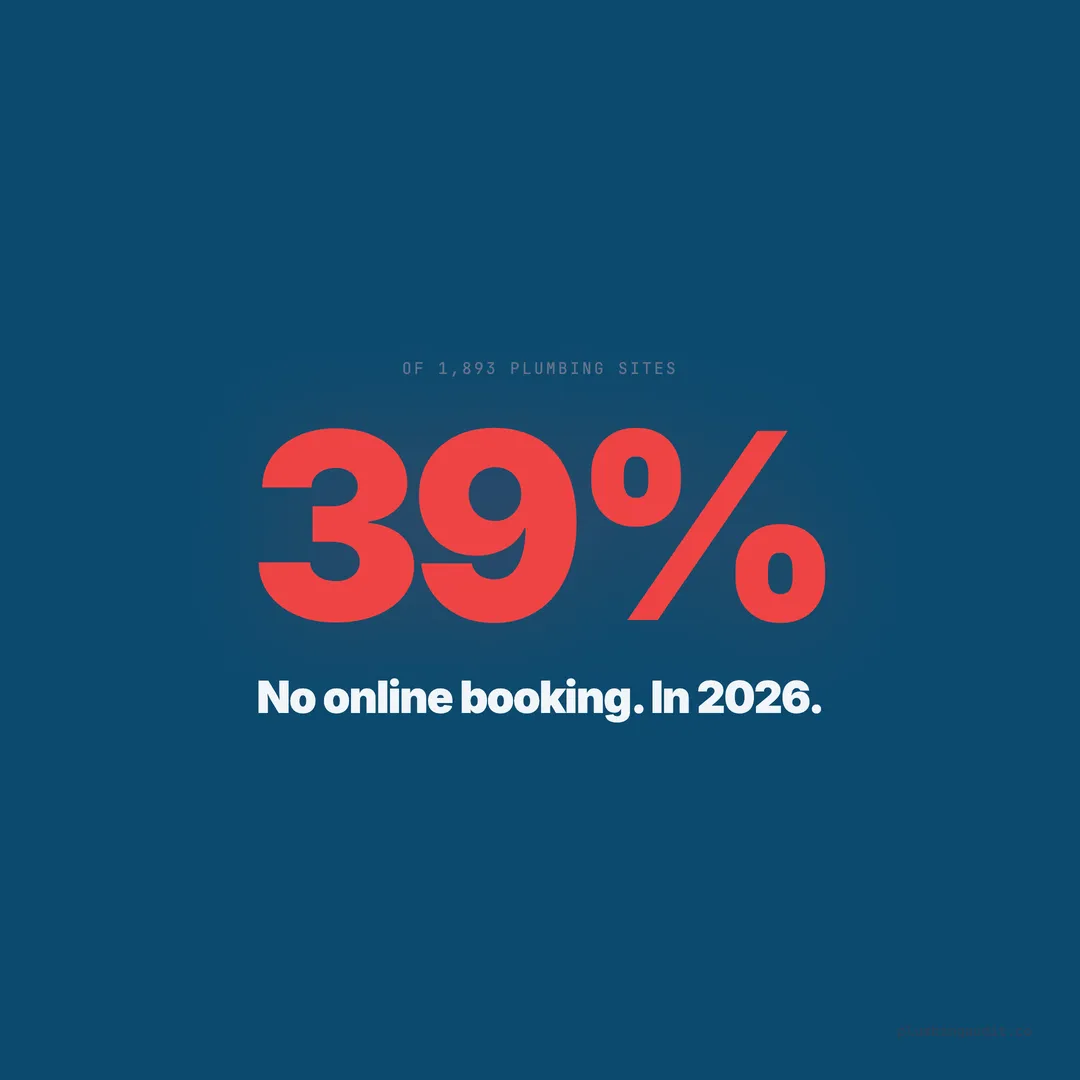
When we audited 1,893 plumbing websites across 13 states, we found that 39% (741 sites) had no online booking option at all. Not a scheduling widget, not a booking link, not even a simple intake form that timestamps the request. Nearly two out of five plumbing companies are losing after-hours leads because the only conversion path on their site is a phone call nobody answers.
Meanwhile, 73% of consumers now prefer booking home services online. The gap between what homeowners expect and what plumbing websites deliver is costing shops real revenue — especially between 6 PM and 8 AM, when 45% of online bookings happen.
This post breaks down five booking tools that work for small plumbing teams, explains the three types of booking setups, and gives you a decision framework based on your crew size.
Three Types of Online Booking (And Which One Fits Your Shop)
Before picking a tool, you need to understand the three booking models. Each solves a different problem, and choosing the wrong one creates friction instead of removing it.
Booking link sends the visitor to a separate scheduling page hosted by the tool (like Calendly or Setmore). It is the fastest to set up — under 10 minutes — but pulls the homeowner away from your site. Our audit found that sites using external booking links had 14% lower form completion rates than sites with embedded widgets.
Embedded widget places a scheduling calendar directly on your website. The homeowner never leaves your page. Setup takes 15-30 minutes depending on your platform, and you maintain full brand control. Among the top-scoring sites in our audit, 68% used embedded booking rather than external links.
Full FSM integration connects booking to your field service management software (Housecall Pro, ServiceTitan, Jobber). The appointment flows directly into your dispatch board. This is the most powerful option, but it requires an existing FSM subscription and usually a paid plan.
Square Appointments: Best Free Option for Solo Plumbers
Square Appointments stands out because the free tier includes unlimited bookings for a single user. For a one-truck operation, that means zero monthly cost to add scheduling to your website. You get a booking page, automated email confirmations, and a basic calendar.
The catch is customization. Square’s booking page uses their template, and color options are limited. You can embed it on your site using an iframe, but the styling won’t perfectly match your brand. For plumbers running a lean operation and tracking calls separately, the trade-off is worth it.
Setup time: 15 minutes. Create a Square account, add your services (drain cleaning, water heater install, general repair), set your availability windows, and grab the embed code. Paste it into any page on your site — WordPress, Squarespace, or Wix all support iframe embeds.
Cost: Free for one user. $29/month for 2-5 staff members. $69/month for 6+ staff with advanced features.
Setmore: Best for Teams of 2-5 Techs
Setmore earns its spot because the free plan supports up to 4 users — rare for scheduling tools. A small plumbing crew can assign jobs to specific techs, sync with Google Calendar, and offer customers a branded booking page without paying a dime.
The Pro plan at $9/month per user unlocks two-way calendar sync and payment processing. For a 3-person team, that is $27/month — less than a single service call covers. Our audit showed that plumbing sites with integrated booking converted visitors to leads at 2.3x the rate of sites with only a phone number.
What makes Setmore practical for plumbers is the service menu. You can list specific jobs with estimated durations: “Faucet Repair (1 hr),” “Sewer Camera Inspection (2 hr),” “Water Heater Replacement (3 hr).” The customer picks the service, sees available slots, and books. Your tech gets a notification with the job details.
Where it falls short: Setmore does not include dispatching, invoicing, or inventory tracking. It is a scheduling tool, not field service software. If you need the full stack, look at Housecall Pro below.
Calendly: Best for Estimate Calls and Consultations
Calendly was not built for field service, and that is actually its strength for one specific use case: scheduling estimate calls, virtual consultations, or pre-job walkthroughs. If your business model involves a phone consultation before dispatching a tech, Calendly handles that workflow better than any field-service-oriented tool.
The free plan allows one event type with unlimited bookings. Set up a “Free Plumbing Estimate Call” event, embed it on your contact page, and let homeowners pick a 15-minute window. Calendly syncs with Google Calendar, Outlook, and iCloud, so double-bookings are nearly impossible.
Pricing: Free for one event type. $10/month for multiple event types and integrations. $16/month adds automated reminders and workflows.
The limitation for plumbers: Calendly books time slots, not field appointments. It does not know that your tech is across town or that a water heater install blocks a 4-hour window. For actual job scheduling, you need a tool that understands service durations and travel time.
Appointy: Best for Multi-Location Plumbing Companies
Appointy flies under the radar, but it solves a real problem for plumbing companies operating in multiple service areas. You can create separate booking calendars for each location, assign techs by zone, and let the customer’s zip code determine which calendar they see.
For the 53% of plumbing sites that are missing service area pages, adding location-based booking creates a dual benefit: the pages improve your local SEO, and the embedded Appointy widget captures leads specific to that area.
Pricing: Free for 1 staff, 5 services. Growth plan at $29.99/month supports up to 5 staff and unlimited services. Professional at $59.99/month adds multi-location support.
Setup time: 25-40 minutes. You will spend most of that time configuring service zones and staff assignments. The embed code works on any website platform and includes a responsive design that adapts to mobile — critical when 70% of plumbing searches happen on phones.
Housecall Pro: Best When Booking Must Feed Your Dispatch Board
Housecall Pro is not a booking widget — it is full field service management with a booking widget built in. The distinction matters. When a homeowner books through your Housecall Pro widget, the appointment lands directly on your dispatch board. Your tech gets a push notification with the address, job type, and customer notes. No manual data entry, no copying from one system to another.
Among the top 2% of plumbing sites in our audit (scoring 80+), 41% used either Housecall Pro or ServiceTitan as their booking backbone. These sites did not just have online booking — they had booking that connected to dispatching, invoicing, and follow-up. That integration is why they scored high across every trust metric we measure.
Pricing: Basic plan starts at $79/month. Essentials at $189/month adds online booking, GPS tracking, and automated marketing. The booking widget is not available on the Basic plan.
Who this is NOT for: A solo plumber doing 3-5 jobs per week does not need a $189/month FSM platform. Start with Square or Setmore, and upgrade when your volume justifies the cost.
The Decision Table: Match Your Tool to Your Team
Choosing a booking tool is not about features — it is about fit. A solo plumber who installs a $189/month FSM platform is wasting money. A 10-tech operation trying to run on Calendly will hit a wall within a week. Use this table.
| Criteria | Square | Setmore | Calendly | Appointy | Housecall Pro |
|---|---|---|---|---|---|
| Best for | Solo plumber | 2-5 techs | Estimate calls | Multi-location | Full FSM needs |
| Free tier | 1 user | 4 users | 1 event type | 1 staff | None |
| Embed on site | Yes (iframe) | Yes (widget) | Yes (widget) | Yes (widget) | Yes (widget) |
| Dispatch integration | No | No | No | No | Yes |
| Mobile app | Yes | Yes | Yes | Yes | Yes |
| Setup time | 15 min | 20 min | 10 min | 35 min | 60+ min |
| Payment collection | Yes | Pro plan | No | Growth plan | Yes |
Why “Just Call Us” Is Costing You Jobs
The argument against online booking usually sounds like this: “Our customers want to talk to a real person.” That may be true during business hours. But 39% of plumbing sites in our audit (615 sites) had no after-hours lead capture at all — no booking, no form, no chat. Every one of those sites goes dark at 5 PM.
Here is what the data shows. Sites in our audit that offered online booking had an average score of 71/100. Sites without booking averaged 49/100. That 22-point gap was not entirely caused by booking — sites that invest in booking tend to invest in other trust signals too — but it reflects a clear pattern. The shops that make it easy to convert are the shops that score well across the board.
The counter-argument that “homeowners prefer calling” ignores the 81% of users who now book services via mobile. They are not preferring — they are expecting. A plumbing website without online booking in 2026 is like a plumbing truck without a phone number on the side in 2006.
Implementation Reality Check: What Actually Takes Time
Adding a booking button is the easy part. The hard part is deciding what happens after the booking comes in. Before you install any tool, answer these four questions.
Who monitors the bookings? If the answer is “I’ll check my email,” you will miss leads. Every tool on this list sends push notifications to a mobile app. Turn them on. Assign one person to respond within 15 minutes during business hours.
What services can they book? Do not let homeowners book a “water main replacement” directly. Offer bookable services that your techs can handle in a single visit without a pre-inspection: drain cleaning, faucet repair, toilet install, garbage disposal replacement. For larger jobs, offer an “Estimate Request” slot instead.
What is your confirmation workflow? The booking itself is not the job. You need a follow-up text or call within an hour to confirm the appointment, verify the address, and set expectations. Setmore and Housecall Pro automate this. With Square and Calendly, you will need to do it manually.
How does it connect to your existing calendar? If your techs use Google Calendar, make sure the booking tool syncs to it. Double-bookings destroy trust faster than any other mistake. Setmore Pro, Calendly, and Housecall Pro all offer two-way Google Calendar sync.
What Top-Scoring Plumbing Sites Do Differently With Booking
Among sites scoring 80 or above in our audit, booking was not an afterthought — it was a conversion centerpiece. Here are three patterns we saw consistently.
The booking button lives above the fold. Not buried in the footer. Not hiding behind a hamburger menu. The top performers placed a high-contrast “Book Now” button within the first viewport, right next to the clickable phone number. Both conversion paths are visible without scrolling.
The booking form asks four questions or fewer. Name, phone, service type, preferred date. That is it. Every additional field reduces completion rates. One site in Gilbert, AZ — our highest-scoring city at 78/100 average — used a 3-field form and reported a 34% booking completion rate. Sites with 7+ fields averaged under 12%.
The confirmation includes a technician name and photo. This is a trust move. When the homeowner gets a text saying “Mike R. will arrive Wednesday at 10 AM” with a photo, the job feels real. It eliminates the “is this company legit?” anxiety that kills conversions for sites with weak trust signals.
Skip the Perfect Setup — Start With a Booking Link Today
You do not need the perfect system on day one. The plumbing sites losing leads right now are losing them because they have nothing — no form, no widget, no booking link. A Setmore free account with a “Book Online” button in your header is better than a $189/month FSM platform you spend three weeks configuring and never launch.
Here is the 20-minute version. Sign up for Setmore or Square Appointments. Add your three most common services. Set your availability to match your working hours. Copy the booking link. Paste it behind a button on your homepage and your Google Business Profile. You are now capturing leads that every non-booking competitor in your market is losing.
The homeowner with the leaking faucet at 9 PM does not care which platform you use. She cares that she can request help without waiting until morning. Give her that option, and you have already beaten 39% of the market.
Keep reading
Want to know your score?
Drop your URL — full report in 48 hours.
We're on it.
Report in your inbox within 48 hours.