Plumbing Website Contact Forms: What to Ask, Where to Put Them, and Why 45% Don't Have One
45% of plumbing websites have no contact form. Learn what fields to include, where to place forms, and how to optimize for mobile — from 1,893 audits.
A homeowner in Mesa, Arizona finds a plumber’s website at 9:47 PM. She has a slow drain in the master bathroom — not an emergency, but annoying enough to finally do something about it. She does not want to call at this hour. She looks for a contact form to leave her information. There is no form. Just a phone number and an email address displayed as plain text. She is not going to compose an email to a plumber at 10 PM on a Wednesday. She closes the tab.
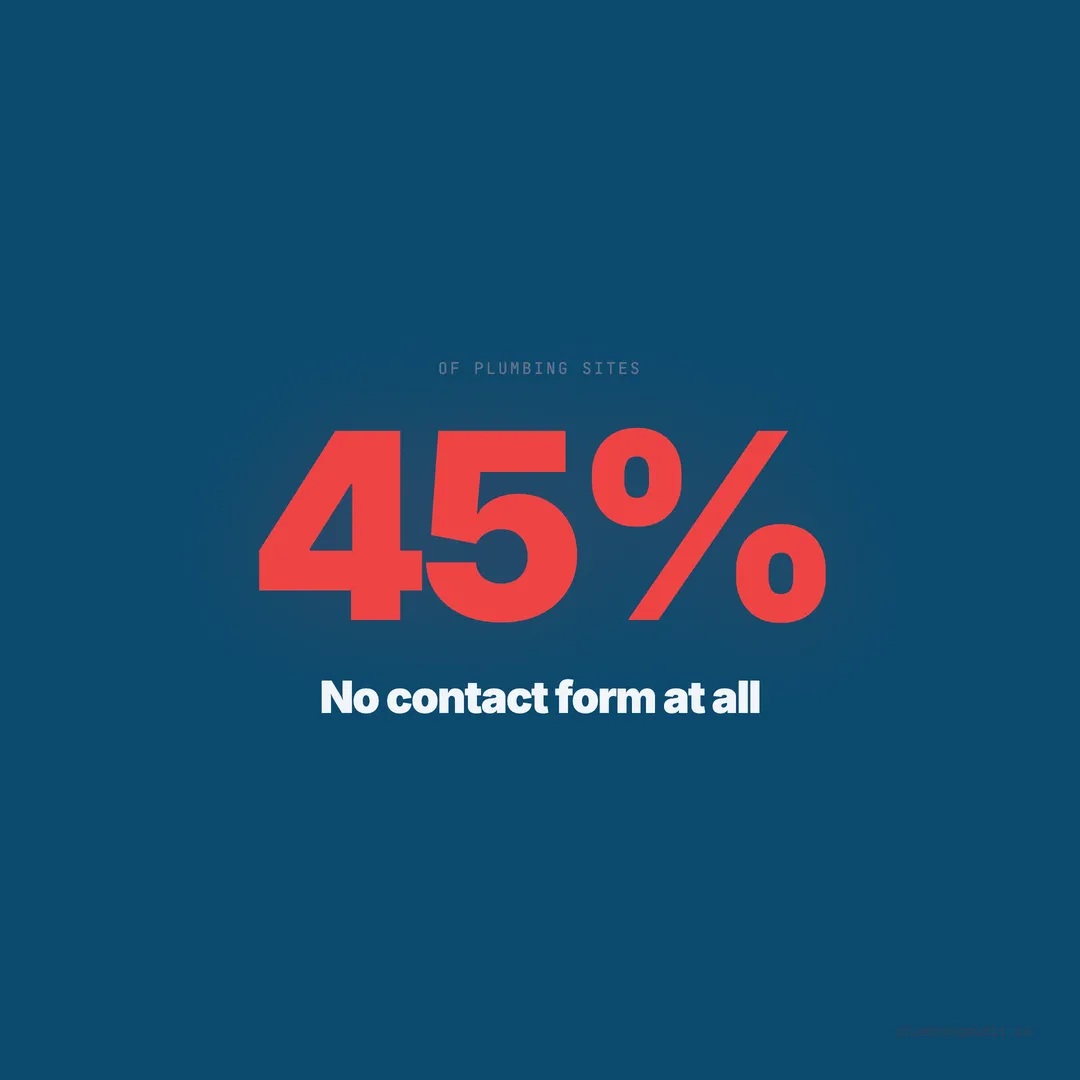
When we audited 1,893 plumbing websites across 13 states and 69 cities, 45% (847 sites) did not have a contact form anywhere on the site. Not on the homepage. Not on the contact page. Not on any service page. The only way to reach these businesses was by phone or email — and 72% of website visitors who prefer forms will not switch to a phone call if no form exists.
A contact form is not a “nice to have.” It is the second most important conversion tool on any plumbing website, behind only the clickable phone number.
Why Phone-Only Websites Lose Leads
Plumbers often think: “My customers call. They don’t fill out forms.” This was partially true a decade ago. It is not true in 2026. Consumer behavior research shows that 41% of local service inquiries now happen through forms, chat, or messaging rather than phone calls.
Three groups of homeowners prefer forms over calls:
The after-hours visitor. Your phone goes to voicemail at 5 PM. A form captures leads at 10 PM, 2 AM, and 6 AM while your office is closed. See our full guide on after-hours lead capture for the complete system.
The introvert. Not everyone wants to talk on the phone to describe their toilet problem. A form lets them type “Toilet runs constantly, started last week” without the social friction of a phone call. This is not a small group — studies show that 62% of millennials and 60% of Gen Z prefer digital communication over phone calls for service requests.
The comparison shopper. A homeowner requesting quotes from three plumbers can submit three forms in two minutes. Making three phone calls takes 15-20 minutes. If you do not have a form, you are not one of the three. She will fill out forms on the sites that have them and call only her top choice.
What Fields to Include: Less Converts More
Every field you add to a contact form reduces the completion rate. The relationship is well-documented: forms with 3 fields convert at approximately 25%, forms with 5 fields at 20%, and forms with 8+ fields at under 12%. Each unnecessary field is a dropout point.
For plumbing contact forms, here are the only fields you need:
| Field | Required? | Why |
|---|---|---|
| Name | Yes | Personalization when you call back |
| Phone number | Yes | This is how you convert the lead |
| Service needed | Yes | Dropdown: drain, water heater, leak, sewer, other |
| Brief description | Optional | One text area, not multiple fields |
| Zip code or city | Optional | Confirms they are in your service area |
That is it. Five fields maximum. Do not ask for their email address as a required field — you need their phone number, not their inbox. Do not ask for their street address — you will get that when you call to schedule. Do not include a “How did you hear about us?” dropdown — track that with analytics, not form fields.
Fields that kill conversion rates on plumbing forms:
- “Preferred date and time” (makes it feel like a booking, not an inquiry)
- “Budget range” (homeowners do not know their budget for a plumbing repair)
- “Upload photos” (too much effort for a first contact)
- CAPTCHA puzzles (reduce spam but cost you 10-15% of legitimate submissions)
Where to Put Forms: Not Just the Contact Page
The biggest mistake plumbing websites make with forms is putting one on the contact page and nowhere else. Our audit data shows that top-scoring plumbing sites place contact forms on an average of 3.8 pages. Bottom-scoring sites average 0.4 pages.
Here is where every plumbing website should have a form:
Homepage. Place a compact form in the hero section or immediately below it. This catches visitors who arrive at your site ready to act. The homepage form should be a short version — name, phone, service dropdown. Three fields. The visitor can elaborate when you call back.
Contact page. The full form with all five fields plus a map showing your service area. This page exists for people who are specifically looking for a way to reach you. Make the form the dominant element — not your address, not your hours, not a paragraph about how much you love hearing from customers.
Service pages. Every individual service page should have a form at the bottom. A homeowner reading your “Sewer Line Repair” page is already interested in sewer line repair. Give her a way to act on that interest without navigating to a different page. The form on service pages should pre-select the relevant service in the dropdown.
Landing pages. If you run Google Ads, every landing page needs a form above the fold. This form is the primary conversion mechanism alongside the phone number. Keep it to 3-4 fields for ad traffic.
Sidebar or sticky element. A persistent form in the sidebar (desktop) or a floating “Request Quote” button (mobile) that opens a form overlay. This ensures a form is accessible from every page on the site without cluttering every page template.
Mobile Form Optimization Is Non-Negotiable
Over 60% of plumbing website traffic comes from mobile devices. A form that works perfectly on desktop but frustrates mobile users is losing the majority of your potential form submissions. Here are the mobile-specific requirements:
Full-width input fields. Every field should stretch to the full width of the mobile screen. Side-by-side fields (first name and last name next to each other) are unusable on a 375px-wide iPhone screen. Stack all fields vertically.
Appropriate input types. Use type="tel" for the phone number field so the numeric keypad appears. Use type="text" with autocomplete="name" for the name field. These small HTML details eliminate frustrating keyboard switching on mobile.
Large tap targets. The submit button should be at least 48px tall and full-width on mobile. A tiny “Submit” button in the corner of a form is difficult to tap, especially for users with larger fingers or in a hurry. Make it big, bright, and obvious.
No horizontal scrolling. If any form field or button causes the page to scroll horizontally on mobile, the entire form is broken. Test on actual phones — iPhone, Samsung, and Google Pixel at minimum. Emulators miss real-world touch behavior.
Pre-fill and auto-complete. Enable browser auto-fill for name, phone, and email fields. A form that auto-fills from saved browser data reduces completion time to under 10 seconds on mobile. This alone can increase mobile form conversion by 15-20%.
The “Thank You” Page Matters More Than You Think
What happens after the visitor submits the form determines whether they stay engaged or assume their message disappeared into a void. Most plumbing websites either show a brief “Thank you, we’ll be in touch” message or redirect to the homepage. Both are missed opportunities.
A proper thank-you page should include:
Expected response time. “We’ll call you within 30 minutes during business hours, or by 8 AM if you submitted after hours.” Specific beats vague. “We’ll be in touch soon” means nothing.
Your phone number. If the issue is urgent, the homeowner should be able to call immediately. Display the phone number prominently: “Can’t wait? Call us now at (713) 555-0142.”
What to expect. “One of our licensed plumbers will call to ask a few questions and schedule a time that works for you. Most appointments are scheduled within 24 hours.”
No navigation away. Do not redirect to the homepage or show a blog feed. The thank-you page should reinforce the action they just took and set expectations. The conversion happened — now protect it.
What Good and Bad Forms Look Like
Here is a side-by-side comparison based on real patterns from our audit.
Bad form (common on bottom-scoring sites):
- Title: “Contact Us” (generic, no value proposition)
- 9 fields: first name, last name, email, phone, address, city, state, zip, message
- Tiny submit button labeled “Submit”
- No indication of response time
- CAPTCHA puzzle required
- Form is only on the contact page
Good form (common on top-scoring sites):
- Title: “Get a Free Plumbing Quote in 60 Seconds”
- 4 fields: name, phone, service needed (dropdown), brief description
- Large CTA button: “Get My Free Quote”
- Below the form: “We’ll call you within 30 minutes”
- No CAPTCHA (uses honeypot spam prevention instead)
- Form appears on homepage, service pages, and contact page
The difference in conversion rate between these two approaches is typically 2-3x. The good form removes friction at every step while the bad form adds it.
Form Spam Prevention Without Killing Conversions
Spam submissions are a real problem for contact forms. But the solution matters. CAPTCHA puzzles (especially “Click all the traffic lights”) reduce spam by 90% but also reduce legitimate submissions by 10-15%. For a plumbing company getting 20 form submissions per month, that is 2-3 real leads lost to a CAPTCHA.
Better alternatives:
Honeypot fields. Add a hidden field that real users cannot see but bots will fill in. If the hidden field has content, reject the submission. This catches 80-90% of spam with zero impact on real users.
Time-based validation. Reject submissions completed in under 3 seconds — no human can fill out a form that fast, but bots can. This catches most automated spam scripts.
Cloudflare Turnstile. A free, privacy-friendly alternative to reCAPTCHA that runs in the background. No user interaction required. It verifies the visitor is human without puzzles or checkbox clicks.
Server-side filtering. Flag or auto-reject submissions containing common spam keywords: “SEO services,” “web design,” “cheap,” “casino,” or URLs in the message field. This catches the marketing spam that honeypots miss.
Notification Speed Determines Whether the Lead Converts
A form submission is not a lead until someone responds to it. The form must trigger an instant notification — email plus text message to the person who will call back. The industry standard is stark: businesses that respond to web form submissions within 5 minutes are 21x more likely to convert that lead than businesses that respond after 30 minutes.
For plumbing companies, configure form notifications to:
- Email the office manager or dispatcher immediately
- Text the business owner’s phone with the form details
- If using a CRM (ServiceTitan, Jobber, Housecall Pro), push the lead directly into the system as a new opportunity
- Set a 15-minute follow-up reminder if no one has called the lead back
The form itself is just the capture mechanism. The speed of response is the conversion mechanism. A form submission that sits in an inbox for 3 hours is as good as lost — the homeowner has already called someone else.
Form Analytics: Measure What Matters
Track these five metrics for your contact forms monthly:
| Metric | What It Tells You | Target |
|---|---|---|
| Form views | How many people see the form | — |
| Submission rate | % who start filling out the form and complete it | 15-25% |
| Abandonment rate | % who start but do not finish | Below 40% |
| Field-level drops | Which specific field causes people to quit | Identify and remove |
| Lead-to-booking rate | % of form submissions that become booked jobs | 30-50% |
Most form builders (Gravity Forms, WPForms, Typeform, HubSpot Forms) include basic analytics. Google Analytics 4 can track form submissions as conversion events. If your form’s abandonment rate is above 50%, you have too many fields, a confusing layout, or a technical issue on mobile.
The 30-Minute Form Implementation
If your site has no form today, here is how to add one in 30 minutes on any platform.
WordPress: Install WPForms Lite (free). Create a new form with Name, Phone, Service Needed (dropdown), and Message fields. Embed it on your homepage and contact page using the shortcode. Configure email notifications to your office email and your phone via email-to-SMS.
Squarespace: Use the built-in Form Block. Add it to your homepage and contact page. Set up notifications in the form settings. Squarespace forms are limited in customization but functional.
Wix: Use the Wix Forms app (free). Drag it onto your homepage and contact page. Configure the fields and notification email. Wix forms integrate with their built-in CRM for basic lead management.
Any platform: Embed a free Typeform or Google Form. Not ideal for aesthetics, but functional. The homeowner does not care if the form looks custom-designed — she cares that it works, loads fast, and has clear fields.
The website checklist covers 33 other items to fix, but a missing contact form is one of the easiest to address and one of the most impactful. 45% of plumbing companies in our audit are invisible to every homeowner who prefers forms over phone calls.
That is not a design choice. It is a leak in your lead pipeline — and unlike the ones your customers call about, this one is free to fix.
Want to know your score?
Drop your URL — full report in 48 hours.
We're on it.
Report in your inbox within 48 hours.