Why Your Plumbing Website Gets Traffic But No Calls (And How to Fix It)
Your plumbing site gets visitors but the phone doesn't ring. Our audit of 1,893 sites reveals the 5 conversion killers — and how to fix each one.
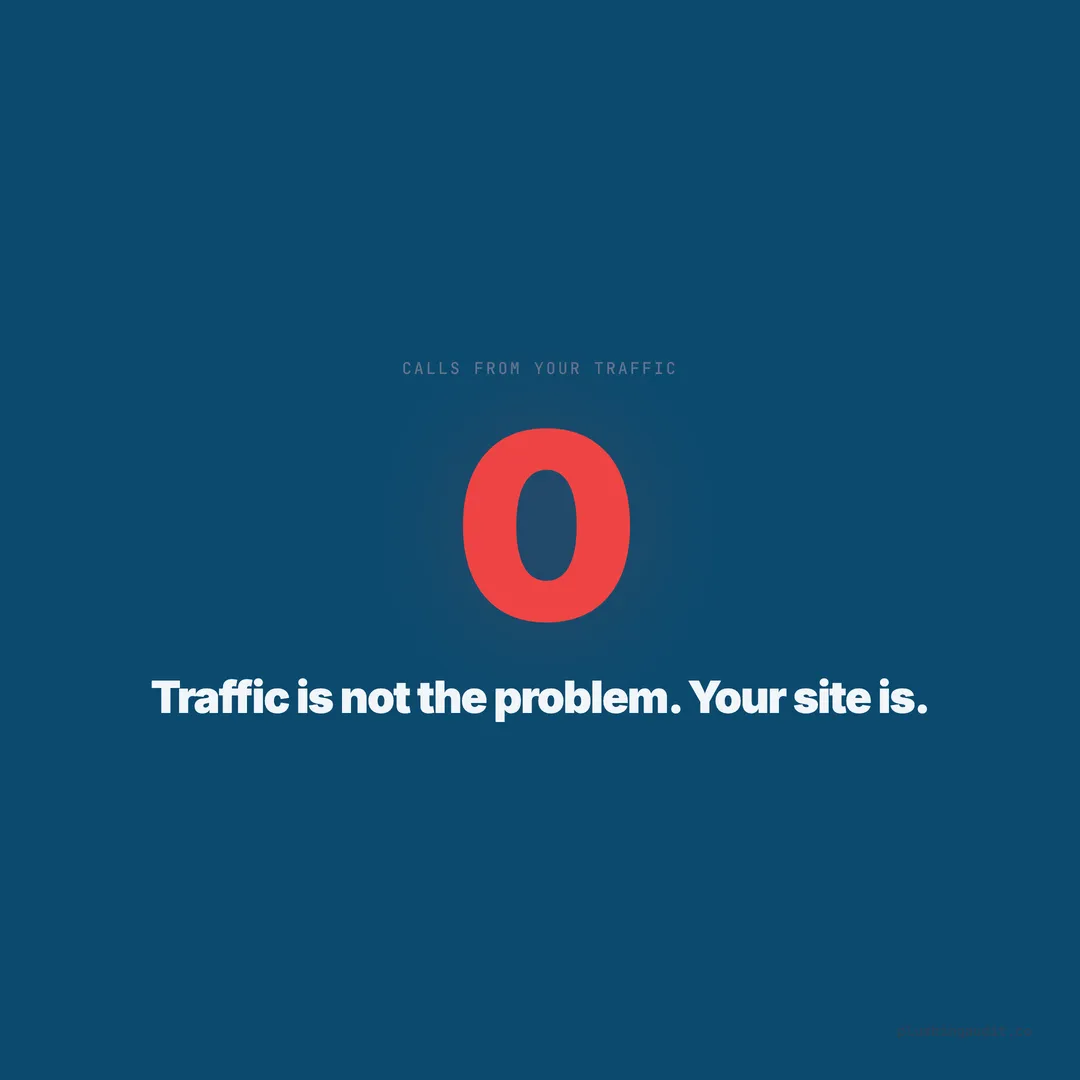
A plumbing company in Fort Worth gets 1,400 website visitors per month. Their Google Business Profile is solid. Their reviews average 4.8 stars. Their Google Ads campaign drives consistent traffic. But they book 6 jobs per month from the website. That is a 0.4% conversion rate — less than one in every 200 visitors picks up the phone or fills out a form. The traffic is not the problem. The website is the problem.
When we audited 1,893 plumbing websites across 13 states and 69 cities, we found that the gap between traffic and conversions comes down to five specific issues. These are not design preferences or branding opinions. They are measurable deficiencies that show up in the data — and every one of them has a fix.
The average plumbing website in our audit scored 57/100. But scoring and converting are different things. A site can rank on page one, attract hundreds of visitors, and still lose them at the moment of conversion because the website creates friction between “I need a plumber” and “I’m calling this plumber.”
Here are the five conversion killers, ranked by frequency in our audit, with the data behind each one and the specific fix.
Conversion Killer 1: No Clear Call-to-Action Above the Fold
The data: Among plumbing sites scoring below 40 in our audit, 72% had no visible call-to-action — no phone number, no “Book Now” button, no contact form — in the first viewport. The visitor had to scroll to find any way to reach the business. On a phone screen, that means the most valuable real estate on the page was wasted on a stock photo of a wrench or a tagline about “quality service.”
Why it kills conversions: The first 3-5 seconds on a website determine whether the visitor stays or bounces. Research shows 63% of visitors bounce from pages that take over 4 seconds to present value. If the value proposition and the conversion action are both below the fold, the majority of mobile visitors never see either one.
The homeowner searching for “plumber near me” has already decided they need a plumber. They do not need to be convinced of plumbing’s importance. They need to see three things in the first viewport: who you are, where you work, and how to contact you. Everything else is secondary.
The fix: Restructure your hero section. The top of every page — especially the homepage, service pages, and emergency page — needs a clickable phone number and a “Book Now” or “Get a Free Estimate” button visible without scrolling. On mobile, the phone number should be tappable and the button should be thumb-reachable. Among sites scoring 80+ in our audit, 100% had a CTA above the fold on both desktop and mobile.
Conversion Killer 2: The Phone Number Is Buried or Non-Clickable
The data: 45% of plumbing sites (847) either had no contact form or had a phone number that was displayed as an image, embedded in a paragraph, or formatted in a way that was not clickable on mobile. Among sites that did have a visible phone number, 29% did not use the tel: link format that enables tap-to-call on smartphones.
Why it kills conversions: Phone calls convert at 25-75% for home services, compared to 2-6% for web form leads. The phone call is the single most valuable conversion action on a plumbing website. Making that action difficult — even by one extra tap — costs bookable jobs.
88% of mobile visitors are more likely to contact a business with a click-to-call button. Implementing one produces a documented 200% increase in call-to-conversion rates. For a plumbing company, where the average job ticket is $350-$500, every missed call is real revenue lost.
The fix: Make the phone number a linked tel: element in your website header. Use a sticky header that keeps the number visible as the visitor scrolls. Format it large enough to tap easily on a phone screen — minimum 44x44 pixel touch target. Test it yourself: pull up your site on your phone and try to call your own number. If it takes more than one tap, fix it.
For plumbing companies that also want form submissions, offer both paths side by side: “Call Now” button and “Request Estimate” button. Let the homeowner choose their preferred method. But always make the phone number the primary path — it converts better by every metric.
Conversion Killer 3: No Contact Form on Service Pages
The data: 45% of plumbing websites (847) had no contact form at all. Among sites that did have a form, 61% only placed it on the Contact page. That means visitors reading a service page about drain cleaning had to navigate to a separate page to make contact — an extra step that loses a significant portion of visitors.
Why it kills conversions: Every additional click between “I’m interested” and “I’ve submitted my information” loses visitors. The ideal conversion path has zero navigation steps. The visitor lands on a service page, reads about drain cleaning, sees the price range, decides they need it, and fills out a short form on that same page without clicking anywhere.
Sites in our audit that placed forms on individual service pages had 2.4x the form submission rate compared to sites that only had a form on the Contact page. The form does not replace the phone number — it supplements it. Some homeowners prefer calling. Others prefer texting or emailing. Giving both options on every page captures both audiences.
The fix: Add a short form to every service page and area page. The form needs four fields maximum: name, phone, service needed (dropdown), and preferred time. Skip the email field — plumbers work by phone. Skip the message field — it adds friction without adding useful information. Place the form in the right sidebar on desktop and below the main content on mobile.
If your website builder makes it difficult to embed forms on multiple pages, use a tool like Formspree, JotForm, or Typeform. Embed the form using an iframe or JavaScript snippet. Configuration takes 15-20 minutes per form, but you only need to design the form once — then embed it on every page.
Conversion Killer 4: Slow Page Load Speed
The data: Sites loading in 5+ seconds in our audit had an average score of 39/100. Sites loading in under 2 seconds averaged 68/100. The speed difference alone correlated with a 29-point score gap. More directly, research shows that conversion rates drop by 4.42% for each additional second of load time between 0 and 5 seconds.
Why it kills conversions: 47% of mobile users expect a website to load in 2 seconds or less. Sites that load in 1 second have a 7% bounce rate. Sites loading in 5 seconds have a 38% bounce rate. For a plumbing site getting 1,000 monthly visitors, the difference between a 7% and 38% bounce rate is 310 visitors — people who landed on your site and left before seeing anything.
The typical plumbing website is not slow because of its content. It is slow because of unoptimized images, too many plugins, heavy theme frameworks, and poorly configured hosting. A single uncompressed hero image can add 3-4 seconds to load time. A WordPress site with 30 plugins can add 2-3 seconds of server-side processing.
The fix: Start with the three highest-impact speed improvements.
Compress images. Every image on your site should be WebP format, under 200KB. Use ShortPixel or TinyPNG to batch-compress existing images. This single fix typically reduces page load by 40-60%.
Install a caching plugin (WordPress). WP Rocket ($59/year) or LiteSpeed Cache (free on supported hosts) can cut load times in half by serving pre-built pages instead of generating each one dynamically. On Squarespace and Wix, caching is handled automatically.
Upgrade hosting. Shared hosting plans under $5/month struggle with traffic spikes and slow database queries. Moving to managed WordPress hosting (SiteGround, Cloudways, Kinsta) at $10-$30/month produces noticeable speed improvements — often reducing load time from 4-5 seconds to under 2 seconds.
Conversion Killer 5: No Trust Signals on the Page
The data: 43% of sites (669) had no trust badges. 48% (752) showed no license number. 36% (683) displayed no reviews. 60% (943) lacked HTTPS. Sites missing all four of these trust signals averaged 31/100. Sites with all four averaged 73/100 — a 42-point gap driven entirely by trust.
Why it kills conversions: The homeowner is about to call a stranger to come into their home. They need reassurance. If your website provides no evidence that you are licensed, insured, reviewed by other homeowners, and running a secure site, you are asking for a leap of faith that most visitors will not take.
77% of consumers worry about their data being misused online. Adding trust elements — from SSL certificates to Google reviews to license numbers — directly addresses those concerns. The 11 trust fixes we recommend take under 90 minutes total and cost almost nothing to implement.
The fix: Build a trust stack on your homepage. Place it in the first or second viewport so visitors see it without scrolling. Include these elements:
| Trust Element | Placement | Impact |
|---|---|---|
| License number | Header or hero | Instant credibility |
| ”Licensed, Bonded & Insured” | Below hero | Expected by homeowners |
| Google star rating + count | Homepage body | Social proof |
| Response time | Hero or banner | Reduces uncertainty |
| Trust badges (BBB, PHCC) | Homepage section | Borrowed authority |
| HTTPS padlock | Browser bar | Baseline security |
The Conversion Audit: How to Diagnose Your Own Site in 10 Minutes
You do not need to hire an agency to identify these problems. Open your plumbing website on your phone (not desktop — 70% of your visitors are on mobile) and answer these five questions.
Question 1: Can you call the business within 2 seconds of the page loading? If the phone number is not visible and tappable in the first viewport, you are losing mobile callers.
Question 2: Is there a CTA button visible without scrolling? “Book Now,” “Get Estimate,” “Call Now” — something actionable. If the first viewport is a hero image with no button, the page is wasting its best real estate.
Question 3: Can you submit a form without navigating to another page? Open a service page — not the Contact page. Is there a form on it? If you have to click “Contact” in the menu to find the form, visitors are dropping off before they get there.
Question 4: Does the page load in under 3 seconds? Use Google’s PageSpeed Insights (pagespeed.web.dev) and test your homepage on mobile. If the load time exceeds 3 seconds, speed is killing your conversions before anything else even matters.
Question 5: Can you see a license number, reviews, or trust badge without scrolling? If the first viewport contains none of these trust elements, the homepage is missing the signals homeowners need to feel confident calling.
Score yourself: 5/5 means your conversion architecture is solid. 3/5 or below means your website is actively losing the traffic it already has.
The Fix Priority Order: What to Do This Week
Do not try to fix everything at once. These five killers have a priority order based on the data — the first fix produces the most immediate impact.
Monday: Make the phone number clickable and sticky (30 minutes). This is the highest-ROI change because it removes friction from the single most valuable conversion action. If your phone number is already clickable but not sticky, add a fixed header with the number visible on scroll.
Tuesday: Add a CTA above the fold on your homepage and top 3 service pages (1 hour). A button that says “Call Now” or “Book Online” in the first viewport. Make it high-contrast — dark button on a light background, or bright color on a dark background. Link it to your phone number or booking widget.
Wednesday: Add trust signals to the first viewport (45 minutes). License number in the header. Star rating near the CTA. “Licensed, Bonded & Insured” as a text line or badge. These three additions take your homepage from anonymous to credible.
Thursday: Add a contact form to your top 3 service pages (1 hour). Use a 4-field form: name, phone, service, preferred date. Place it in the sidebar or after the service description. This captures visitors who prefer forms over phone calls.
Friday: Run a speed test and fix the biggest bottleneck (1-2 hours). Compress images, install a caching plugin, or upgrade your hosting tier. Even reducing load time by 1 second can recover visitors who are currently bouncing.
By Friday evening, you have addressed all five conversion killers. The plumber in Fort Worth converting at 0.4% does not need more traffic. He needs a website that converts the traffic he already has. The fixes above, implemented in a single week, can double or triple that conversion rate — not because they are complicated, but because the baseline is so low that basic improvements produce outsized results.
The traffic is already there. Stop paying for visitors who leave. Fix the leaks.
Keep reading
Want to know your score?
Drop your URL — full report in 48 hours.
We're on it.
Report in your inbox within 48 hours.